Video Editing Basics
A beginner-friendly class in editing, color, sound, and finishing using Davinci Resolve.
You don’t need prior experience or technical knowledge. Just a basic ability to navigate a computer. This is typically a one-to-one class, although I am open to more than one person. Just ask.
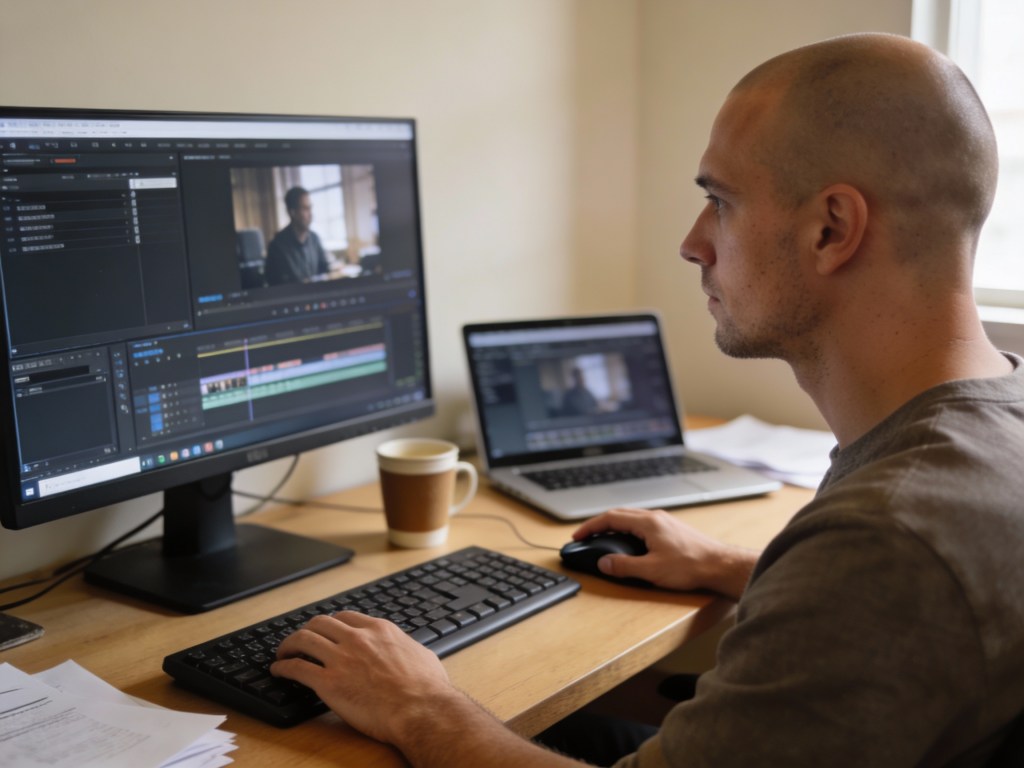
This class is designed for beginners who want to learn the foundations of video editing in a clear, practical, and non-intimidating way. It’s ideal for artists, creatives, educators, and anyone who wants to edit their own videos with confidence.
What You’ll Learn
✦ Editing Fundamentals
- How to organize footage
- Basic cutting and trimming
- Adding and animating stills
- A.I. integration
- Transitions
✦ Color Basics
- Correcting exposure and white balance
- Simple color adjustments for consistency
- How color affects mood and clarity
✦ Sound & Music
- Cleaning up dialogue and basic audio levels
- Adding music without overpowering the video
- Matching beats to visuals
- Simple transitions and fades
- Adding subtitles
✦ Rendering & Exporting
- Choosing the right settings for your platform
- Exporting for social media, web, or presentations
- File formats, resolution, and quality basics
- Avoiding compression and playback issues
Instructor Experience
I’ve worked extensively with DaVinci Resolve, using it as my primary editing platform for both creative and documentary work.
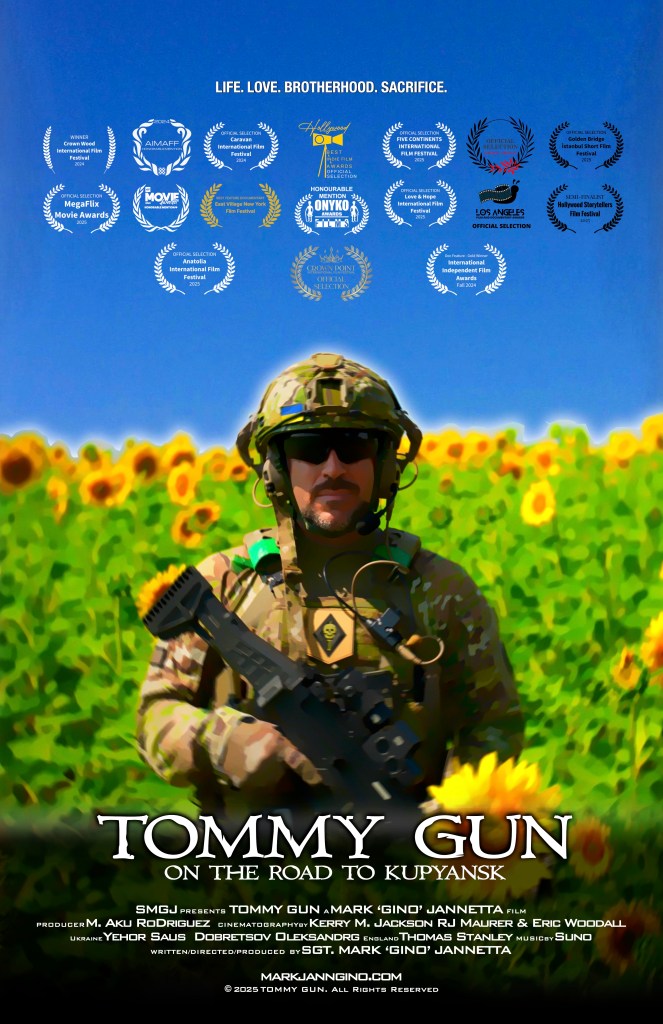
One of my larger projects was creating my two-hour documentary (Tommy Gun on the Road to Kupyansk) from start to finish — including organizing raw footage, shaping the narrative, color correction, sound balancing, music integration, and final delivery. That process required staying clear, methodical, and patient across a long timeline, which is exactly the mindset I bring into teaching.
What I learned through that project — and pass on in this class — is not just which buttons to press, but how to think like an editor:
- how to structure a project so it doesn’t become overwhelming
- how to make clean, confident cuts
- how color and sound subtly shape meaning
- how to finish and export work properly
I teach from real experience, focusing on practical workflows that actually work
Location
The studio is located in University Hills, Austin TX 78723.
What You’ll Need
We can use all my equipment, or bring your own laptop with Davinci Resolve and video files.
Cost
$75 per person for 90 minutes. $25 for 30mins thereafter.
Book / Enquire
Send a message to:
thecorchartstudio@gmail.com
 The Corch Art Studio